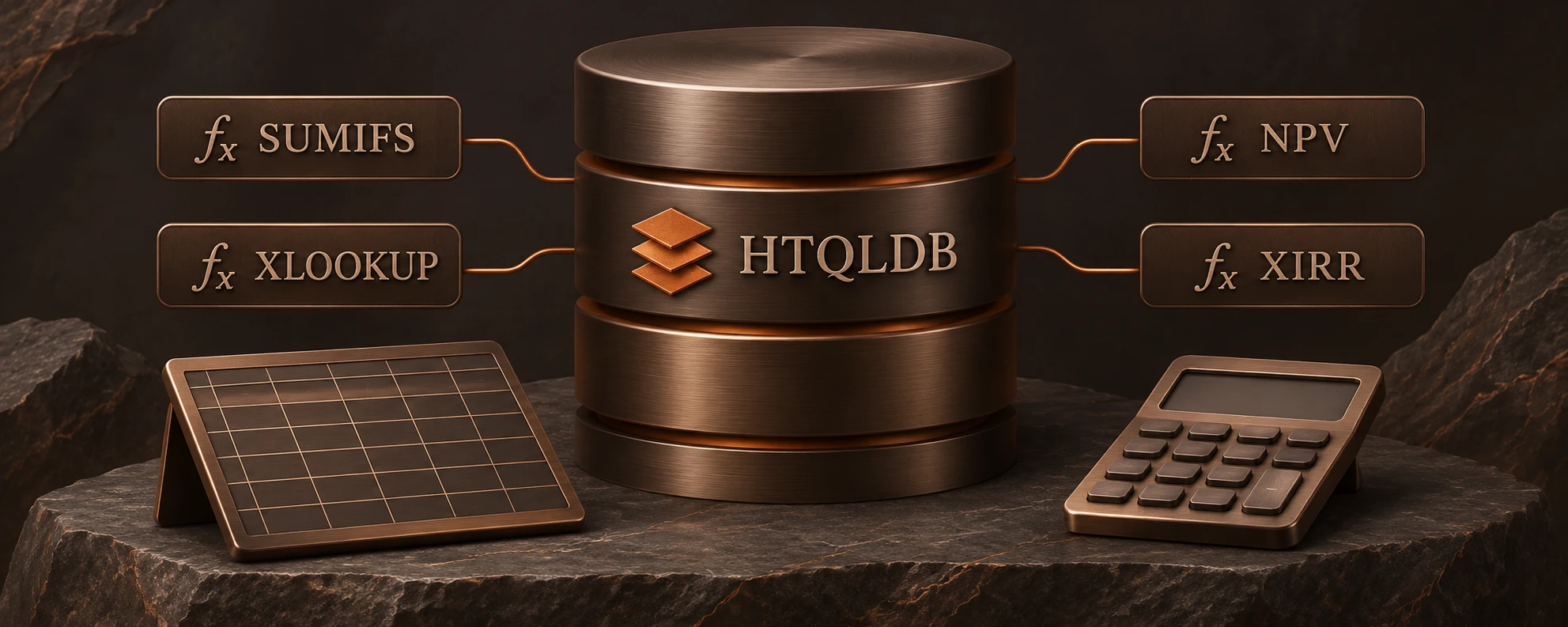
HTQLDB · Formula Ready
The spreadsheet is in the database.
Bring familiar spreadsheet-like functions directly into your queries, FLOWs and reports. Over 500 functions run alongside your data, using the names and arguments your analysts already know.
- 500+ Excel-like functions
- 79 financial functions
- Shared formula core
Calculations where the data lives
One formula. Consistent answers.
When applications calculate in separate services, dashboards and spreadsheets, business logic can diverge. HTQLDB runs formulas alongside the data used by your application.
The language your analysts already know, where your data already lives.
A familiar language for every calculation.

Math
ROUND, SUMIFS

Statistics
Summaries and distributions

Dates & periods
EOMONTH

Finance
NPV, XIRR, PMT

Arrays
Array calculations

Text
UPPER, TEXTSPLIT

Logic & lookup
XLOOKUP

Forecasting & analytics
Model future outcomes
79 finance functions included in 500+.
HTQL in practice
Calculations inside your queries.
Round totals and format currencies while reading records.
LOOKUP(orders,
  SHOW("order_id",
    ROUND(total, 0) AS rounded_total,
    UPPER(currency) AS currency),
TAKE(20))| order_id | rounded_total | currency |
|---|---|---|
| 1001 | 129 | AUD |
| 1002 | 48 | AUD |
| 1003 | 215 | NZD |
| 1004 | 86 | USD |
| 1005 | 312 | AUD |
| 1006 | 57 | GBP |
Illustrative HTQL example and results
Financial models, closer to your data.
79 financial functions evaluate lending, cash flows, returns and investment decisions using functions familiar to finance teams: NPV · XNPV · IRR · XIRR · EBITDA · GMROI · CLV · Break-even.

PMT(0.0054, 360, 450000)Monthly loan repayment · $450,000 principal · 30 years · 0.54% monthly rate
The same calculation, wherever it runs.
Core formulas compile to WebAssembly for browser-side execution, as well as running inside HTQLDB.
WebAssembly supports the core formula surface.
- HTQLDB / PostgreSQL
- Core formulas
- Browser / WebAssembly
A common foundation
Use formulas across your application.
- QueriesSummarise and calculate near the data.
- FLOWsApply calculations within governed execution.
- ReportsDerive figures from shared records.

Build on calculations you already understand.
Bring your formulas, models and business data together with HTQLDB.